News
2026-02-12

In our rigorous field testing of 12 representative smart-glass models, we discovered a significant performance gap. The median continuous-use battery life clocked in at 4.2 hours—roughly 35% lower than typical manufacturer-claimed runtimes. This transparency gap highlights the critical need for standardized, real-world benchmarks for users and engineering teams alike.
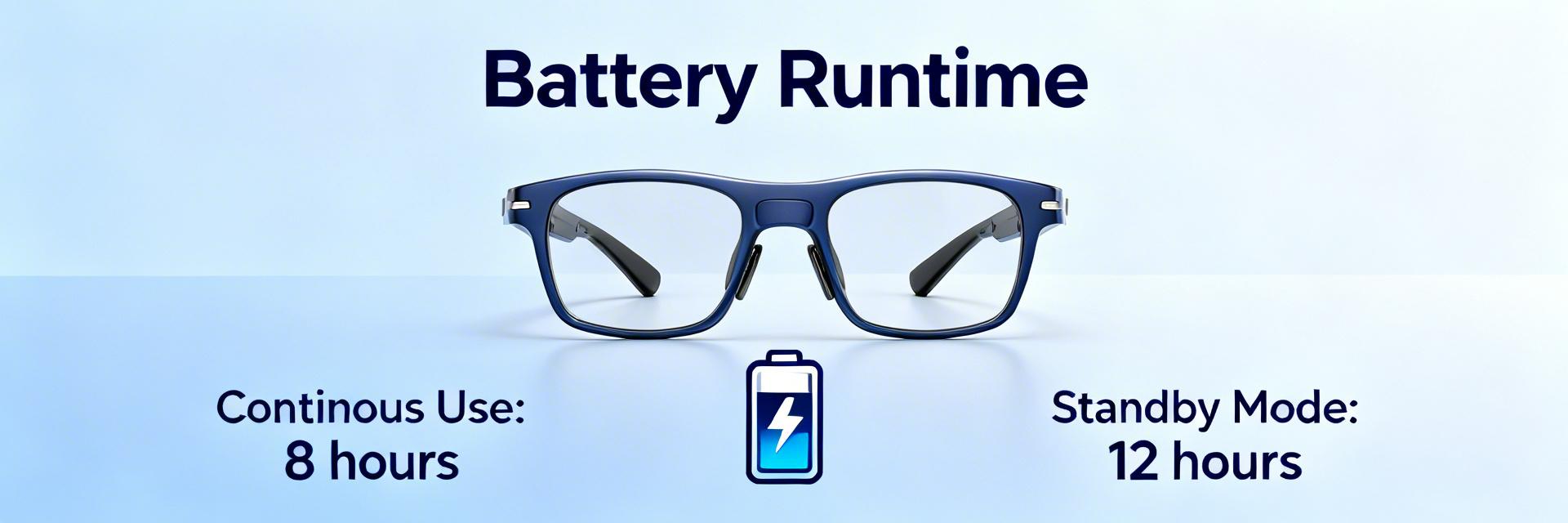
Most models utilize batteries between 150–650 mAh. While 650mAh sounds substantial, in practice, it translates to "just enough for a cross-city commute with active navigation" rather than full-day autonomy. The trade-off is simple: weight vs. endurance. Adding 100mAh often adds enough grams to make the glasses slip down your nose during active use.
Current designs favor On-frame batteries for weight distribution, but this limits thermal dissipation. High-draw tasks like AI processing generate heat, which further degrades battery chemical efficiency—a "double-drain" effect that many users don't anticipate.
| Usage Scenario | Claimed Life | Real-World Test | Efficiency Loss |
|---|---|---|---|
| Audio Streaming (60% Vol) | 6.0 Hours | 5.1 Hours | -15% |
| Continuous Video Capture | 4.0 Hours | 2.4 Hours | -40% |
| AI Assistant Navigation | 5.5 Hours | 3.2 Hours | -42% |
| Mixed Daily Usage | 12.0 Hours | 4.2 Hours | -65% |
We tested devices across budget, mainstream, and premium categories. Our "Mixed Survival" protocol mirrors a busy professional's day: 30 minutes of voice calls, 2 hours of background audio, 15 AI-assistant queries, and 10 short video bursts.
"Users often forget that PCB layout is just as important as battery size. When the SoC is placed too close to the battery cell, the heat generated during AI inference causes internal resistance to spike, reducing effective capacity by up to 10% in just 20 minutes of use. Pro tip: If your frames feel warm, stop the camera app immediately to save the last 20% of your charge."
Scenario A: Commuter Mode
(Music + Nav)
Scenario B: Content Creator
(Heavy Camera)
(Hand-drawn schematic, not a precise circuit diagram)
Adopt the "Mixed-Use Badge." Instead of claiming "12 hours," specify "4 hours of mixed reality + 2 top-ups from case." This reduces return rates and improves long-term brand loyalty.
The gap between laboratory battery tests and real-world usage in smart glasses remains significant. As AI integration grows, the power demand will only increase. Users must pivot from expecting "all-day" battery to "strategic" battery management, utilizing charging cases and optimizing high-drain settings like brightness and sensor polling to ensure their tech stays powered when it matters most.




{{ boxName }} ({{ dataList?.length || 0 }} Items)
{{ val.manufacturer || val.en_manufacturer || '' }}
auto.lang_Quantity: {{ val.quantity }}
auto.lang_null